
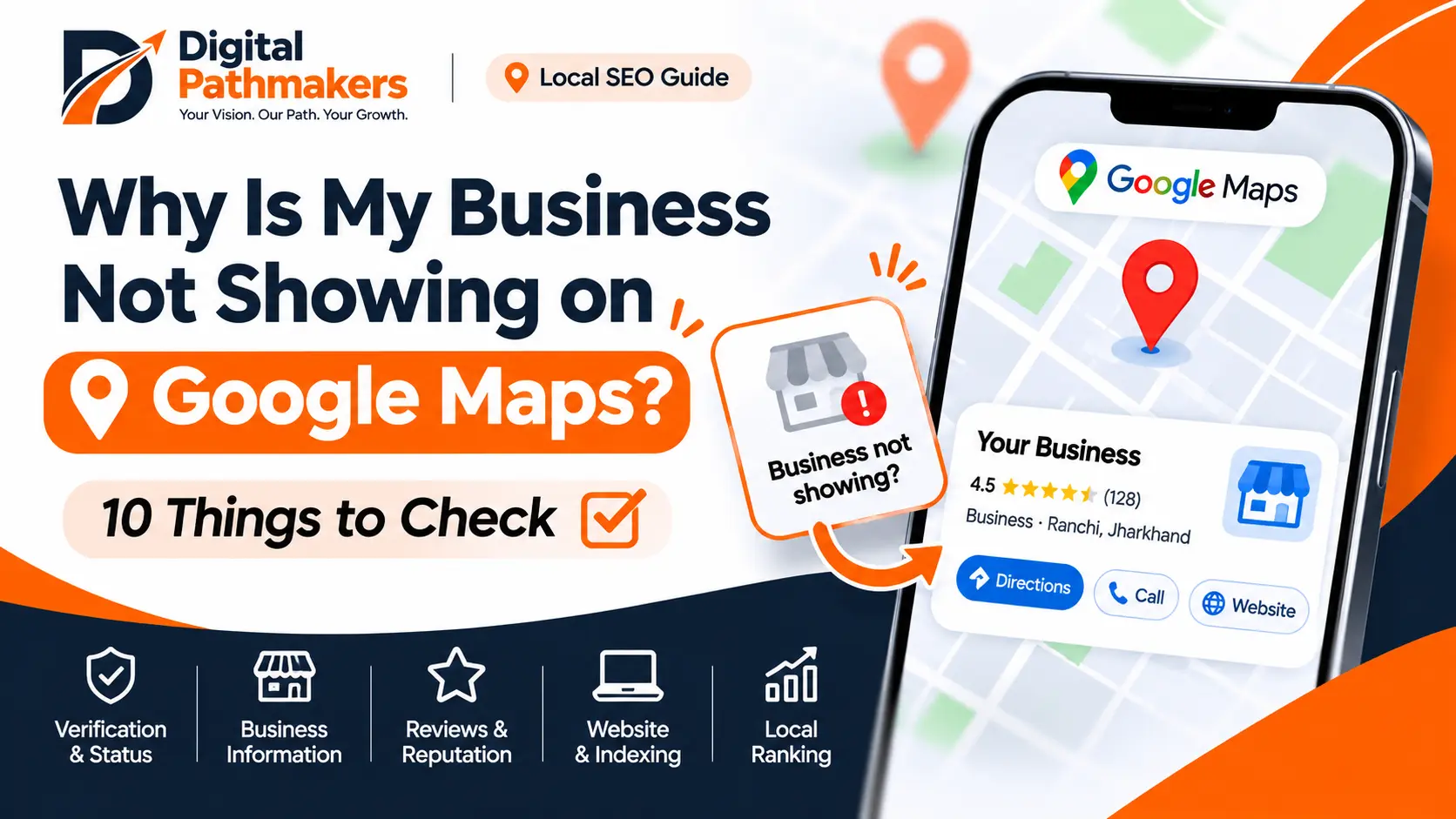
Have you searched for your business on Google Maps but couldn't find it? Or does your business appear when you search its exact name but not when you search for a service such as "digital marketing agency near me"?
These are two different situations. Your business might have a profile that is not fully visible, or it might be visible but rank lower for competitive searches.
Start by checking whether your Google Business Profile is verified, active, and displaying accurate information. Then review your business details, website, reviews, and local search visibility. These checks can help identify potential issues, although no single change guarantees higher rankings.
1. Check Whether Your Google Business Profile Is Verified
Google uses verification to confirm that you are authorized to manage a business profile. If verification is incomplete, your business may have limited visibility.
What to check:
- Sign in to the Google account that manages your business.
- Open your Google Business Profile.
- Check whether Google asks you to complete verification.
- Follow the verification method Google provides.
- Review notifications about restrictions or required actions.
If verification is complete, continue with the remaining checks. Verification alone does not guarantee visibility for every search.
2. Check Whether Your Business Profile Is Active and Eligible
A verified profile can still have visibility issues.
Open your profile management dashboard and look for notifications about suspension, restrictions, pending changes, or other issues. Check whether your business information is publicly visible on Google Search and Maps.
If Google has suspended or restricted your profile, follow the official resolution or appeal process. Avoid creating duplicate profiles to work around restrictions.
Read Google's Business Profile guidelines.
3. Make Sure Your Business Information Is Accurate
Incomplete or outdated information can make it harder for customers and Google to understand your business.
Review these details:
- Business name
- Primary business category
- Address or service area
- Phone number
- Website URL
- Opening hours
- Services offered
- Business description
Use your real business name rather than adding extra keywords. Choose a category that accurately represents your main business activity.
For service-area businesses, make sure your address and service-area settings reflect how your business actually operates. Do not publish an address as a customer-facing location if your business is not eligible to display it.
4. Understand Why You Appear for Your Business Name but Not Other Searches
Your business may appear when someone searches its exact name but not when they search for a service.
For example, a business might appear for its brand name but not for a competitive query such as "website development company in Ranchi."
Local results mainly depend on three factors:
- Relevance: How well your profile matches the search.
- Distance: How far your business is from the person searching.
- Prominence: How well-known your business is, based on information such as reviews and other signals across the web.
You cannot control every factor, especially the searcher's location. Instead, ensure that your profile accurately describes your services and your website provides useful information.
Read Google's tips to improve local rankings.
5. Check Whether Your Business Category Matches Your Services
Your primary category helps describe what your business does. An inaccurate category may make your profile less relevant to certain searches.
What to do:
1. Review your primary category. 2. Confirm that it accurately describes your main business. 3. Add additional categories only when they genuinely apply. 4. Review your service list and remove inaccurate entries.
Do not add unrelated categories or change your category repeatedly in an attempt to manipulate rankings.
6. Check Your Website and Important Service Pages
Your website helps customers and search engines understand what your business offers.
Make sure your website:
- Loads correctly on mobile devices.
- Uses working links and clear navigation.
- Explains your services in useful detail.
- Displays accurate contact information.
- Includes relevant service pages.
- Does not accidentally block important pages from indexing.
- Uses the correct canonical URL for each page.
If your business serves Ranchi, explain which services you offer to customers in Ranchi and how they can contact you. Avoid creating multiple location pages with nearly identical content.
Remember that website indexing and Google Maps visibility are different. Improving your website does not guarantee a particular Maps position.
7. Check Your Reviews and Business Reputation
Reviews help potential customers evaluate your business. Google also identifies review information as one factor that can contribute to local prominence.
Encourage genuine customers to leave honest reviews based on their actual experiences. Respond professionally to feedback, including critical reviews.
Avoid:
- Buying reviews.
- Posting fake customer reviews.
- Offering incentives in exchange for reviews.
- Pressuring customers to leave only positive reviews.
If a review is missing, check Google's review policies and available support options. Do not automatically assume that every missing review is a ranking penalty.
8. Check Your Business Information Across the Web
Look for outdated or inconsistent business details on your website, social profiles, and relevant business directories.
Check whether:
- Your business name is accurate.
- Your website URL is correct.
- Your phone number is current.
- Your address or service area is accurate.
- Old listings contain incorrect information.
Correct important inconsistencies, especially on platforms you control. Avoid creating large numbers of low-quality directory listings.
9. Test Your Business From Different Locations and Searches
Google Maps results can vary depending on the searcher's location and query.
Searching from your own office or phone may not show what another customer sees in a different part of the city.
Try these checks:
1. Search for your exact business name. 2. Search for your main service plus your city. 3. Test a relevant search from another nearby area. 4. Compare the results on Google Search and Google Maps. 5. Record the date, search phrase, and approximate location.
Use these checks to understand the pattern, not as a definitive ranking measurement. Not appearing in one search does not necessarily mean your profile has been removed.
10. Check Google Search Console and Website Indexing
If your website is new or recently updated, check whether Google can discover and index its important pages.
Open Google Search Console and inspect your homepage and key service pages.
Look for:
- Whether the URL is indexed.
- Whether Google can access the page.
- Whether an unintended noindex directive is present.
- Whether the canonical URL is correct.
- Whether your sitemap has been processed.
- Whether important pages link to each other.
A sitemap helps Google discover URLs, but submitting one does not guarantee indexing. Website indexing alone does not guarantee a prominent Maps position.
Use Google's URL Inspection documentation to learn how to inspect a page.
Frequently asked questions
Why is my business not showing on Google Maps?
Possible reasons include incomplete verification, profile restrictions, inaccurate business information, eligibility issues, or low visibility for a particular search. Check your profile status first, then review the other items in this guide.
Why does my business appear by name but not by service?
Google considers relevance, distance, and prominence when generating local results. Your business may be known by its name but may not be a strong match for a competitive service-related search.
How long does it take for a business to appear on Google Maps?
There is no universal timeline. Timing depends on factors such as verification, profile processing, eligibility, and Google's systems. Check the status shown in your Business Profile rather than relying on a guaranteed number of days.
Does adding keywords to my business name improve Maps rankings?
Do not add keywords unless they are genuinely part of your real-world business name. Follow Google's naming guidelines and use accurate categories, services, and website content to explain what you offer.
Do more Google reviews guarantee higher rankings?
No. Reviews can contribute to prominence, but local rankings depend on multiple factors. Never purchase reviews or assume that a specific review count guarantees a particular position.
Can SEO help my business appear on Google Maps?
Local SEO can help improve the accuracy and usefulness of your online presence, including your website and business information. However, no SEO provider can guarantee a particular Google Maps position.
Final Checklist
Before making major changes, confirm that you have:
- Verified your profile and checked its status.
- Confirmed that your business is eligible to appear.
- Updated accurate business information.
- Selected an appropriate primary category.
- Reviewed your website and key service pages.
- Encouraged genuine customer reviews.
- Corrected important online information.
- Tested relevant searches from different locations.
- Checked important website URLs in Search Console.
Need Help Improving Your Local Search Presence?
Digital Pathmakers offers Local SEO, SEO services, and website development to help businesses build a clearer and more useful online presence.
Contact Digital Pathmakers to discuss your business's website and local search needs.
Official References
Your next step
Want to put these ideas to work?
Explore our seo services or get in touch to talk through your needs.
Contact Digital Pathmakers